
Get started
Download the launcher, make an account on the login screen, and you're in. No email, no fees, just pick a name and play.
One client. Every platform.
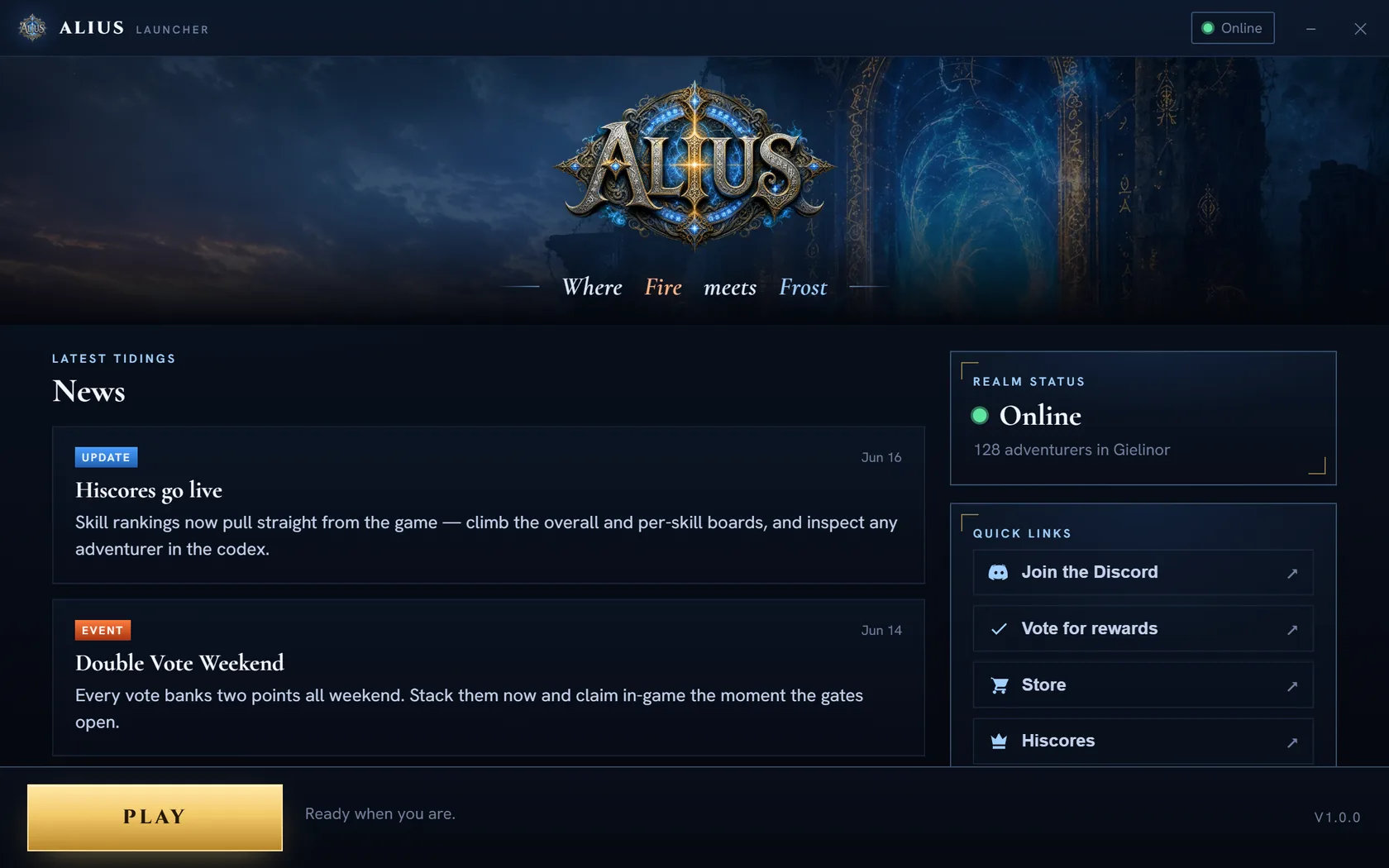 v1.0.0 · self-updating
A purpose-built launcher that patches the client, bundles its own Java, and drops you straight onto the login screen - no setup, ever.
Windows
.exe · 64-bit · ~141 MB DownloadmacOS
.dmg · Apple Silicon DownloadLinux
.AppImage · .deb DownloadSigned & checksum-verified on every launch. iOS & Android are on the roadmap, with your save synced server-side.
From zero to Gielinor
-
01
Download & launch
Grab the launcher for your platform above, or open the web client. The launcher keeps itself patched automatically.
-
02
Create your account
Pick a name and password right on the login screen. No email, no hassle. Your save is yours from the first click.
-
03
Forge your legend
Choose a path, skill up, raid, PK, trade on the Trade Post. Gielinor is yours to conquer.
System requirements
Operating system
Windows 10+, macOS 11+, or modern Linux
Memory
4 GB RAM (8 GB for 117HD)
Graphics
Any GPU with OpenGL 4.3 for HD
Connection
Broadband · ~50 MB first download